
How can we help?
Best practice for updating from free to Pro
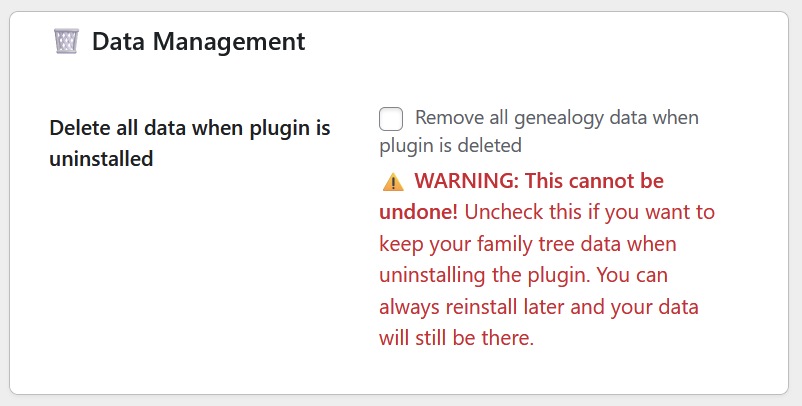
If you want to continue using your current genealogy, then make sure the “Delete all data when plugin is uninstalled” is unchecked.
- Backup your database (essential safety step)
- Deactivate the free plugin (don’t delete yet)
- Install Pro version via WordPress admin
- Activate Pro version and verify it works
- Test functionality (back-end display, front-end display etc.)
- Delete the free version once Pro is confirmed working